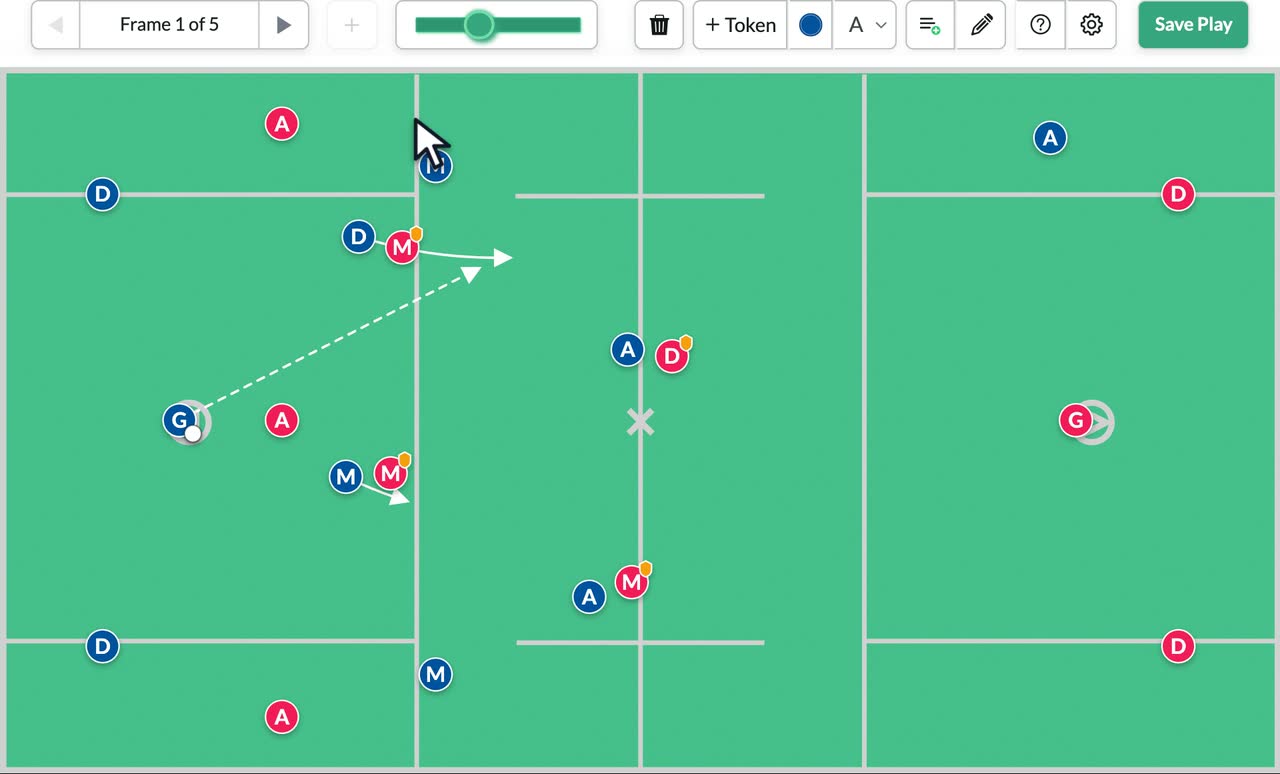

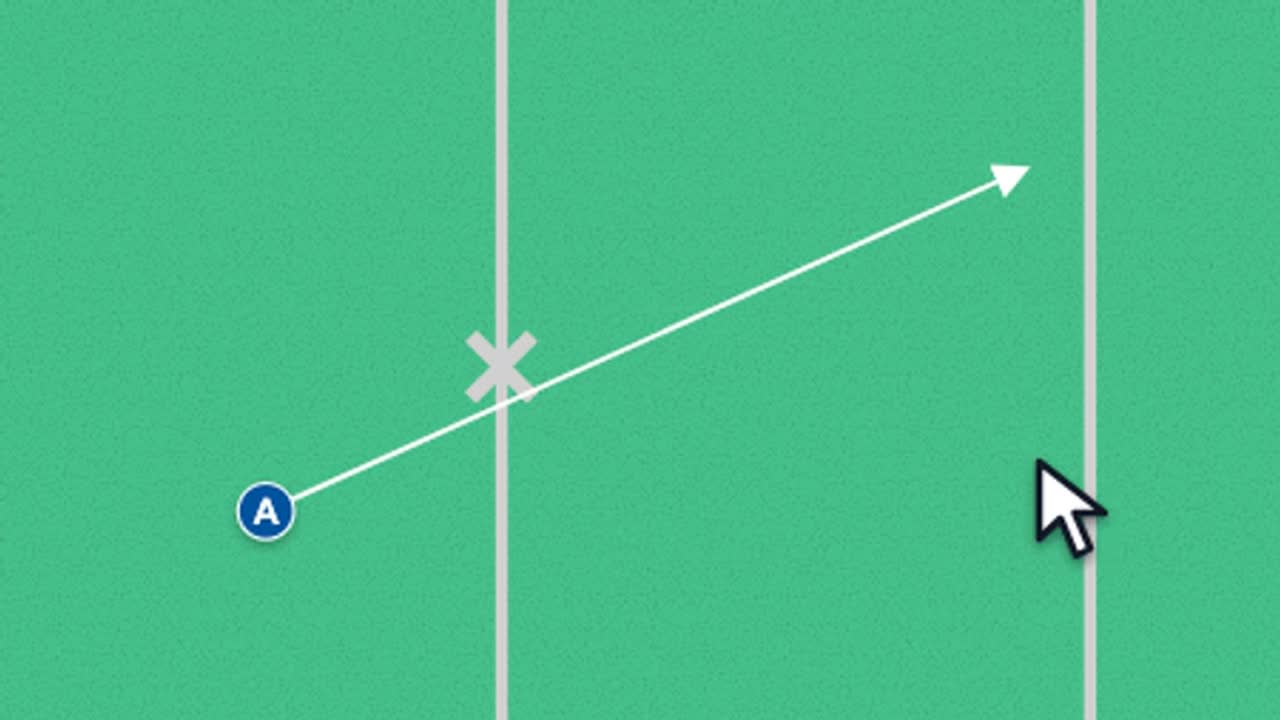
Curve and shape arrow
Curve an arrow by dragging its path, then add more bends to shape it.
Draw a lacrosse play or drill once, then reuse it in any playbook, practice plan or scouting report.
Also see: Lacrosse drills, scouting reports
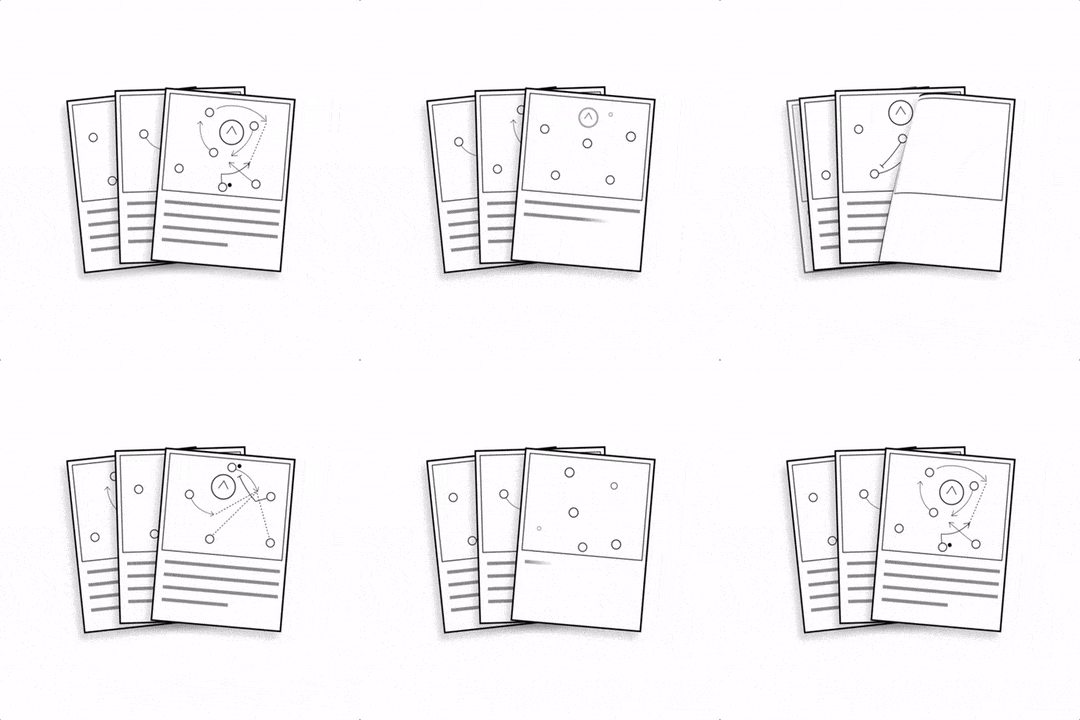
Drag players onto the field, draw cuts, passes and dodges, then draw each step of the play as a frame. Press play and it moves.

Drop saved diagrams into a document, add notes, and print a PDF to hand out or post in the locker room.

Every play and drill starts private. Make one public and it joins the community library, where other lacrosse coaches can find it.
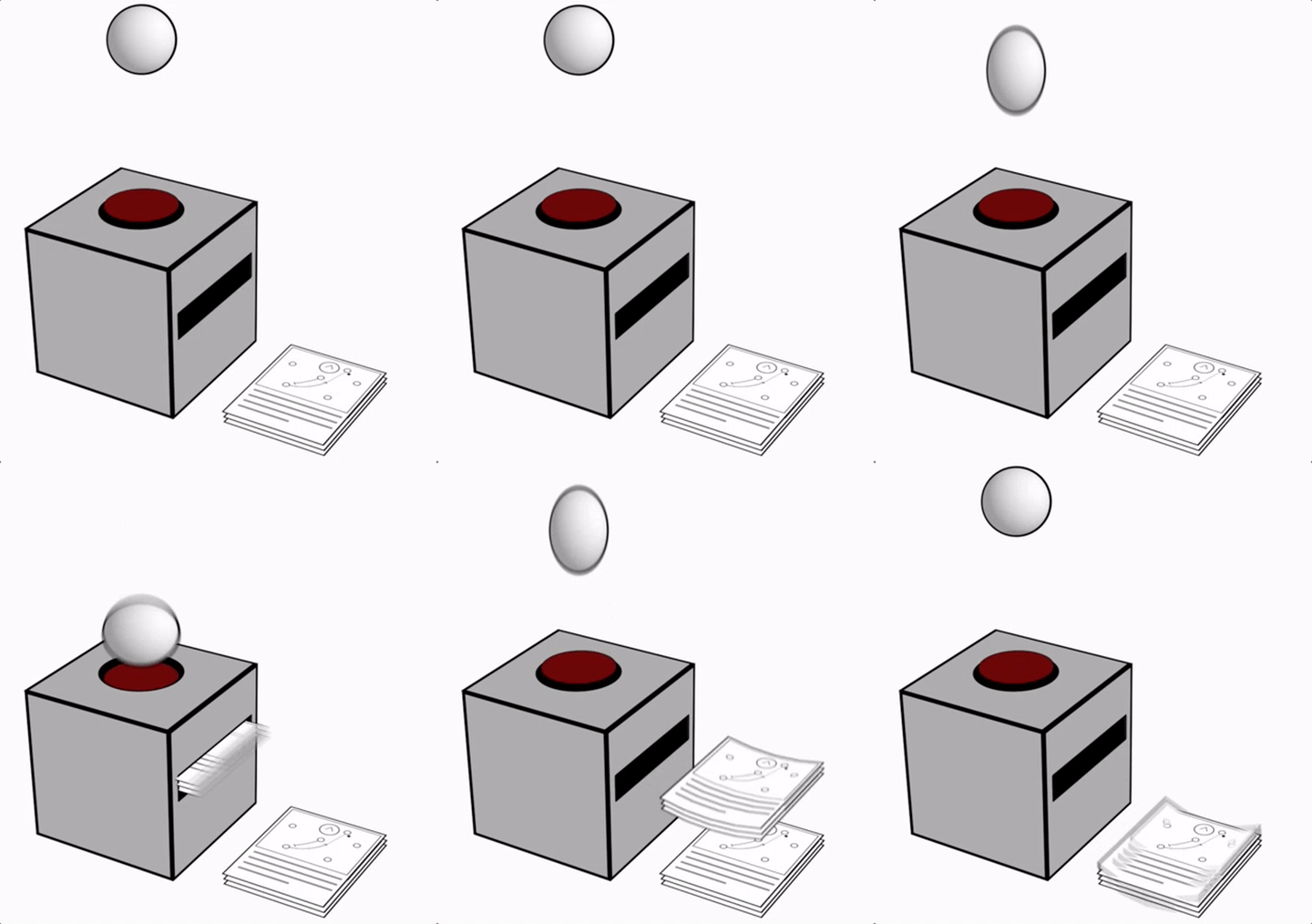
Pick the categories you want to work on and autogenerate adds matching drills from your library. Set minutes for each drill, then print.
Preview focused interactions from the Lacrosse editor.
Explore other Lacrosse interactions
Curve an arrow by dragging its path, then add more bends to shape it.
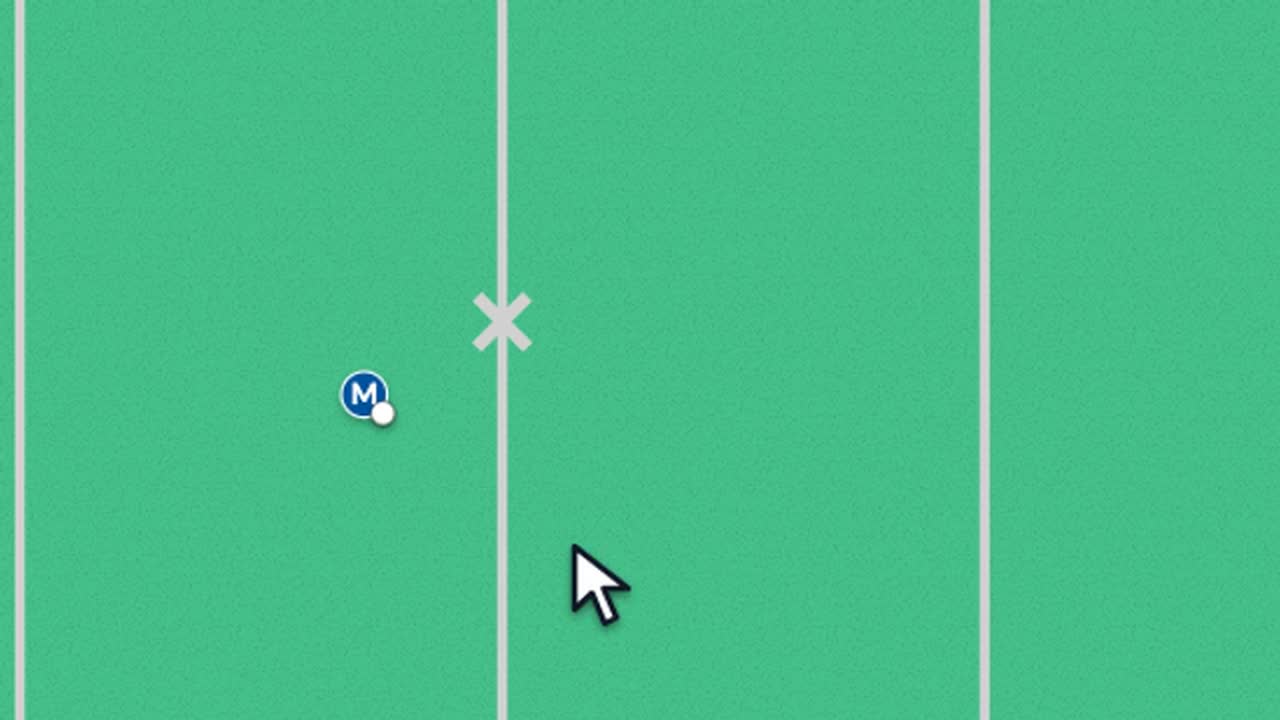
Add and place an arrow, then use Change arrow to compare supported movement types (Run, Dodge, and Pick), choose one, and preview the result.
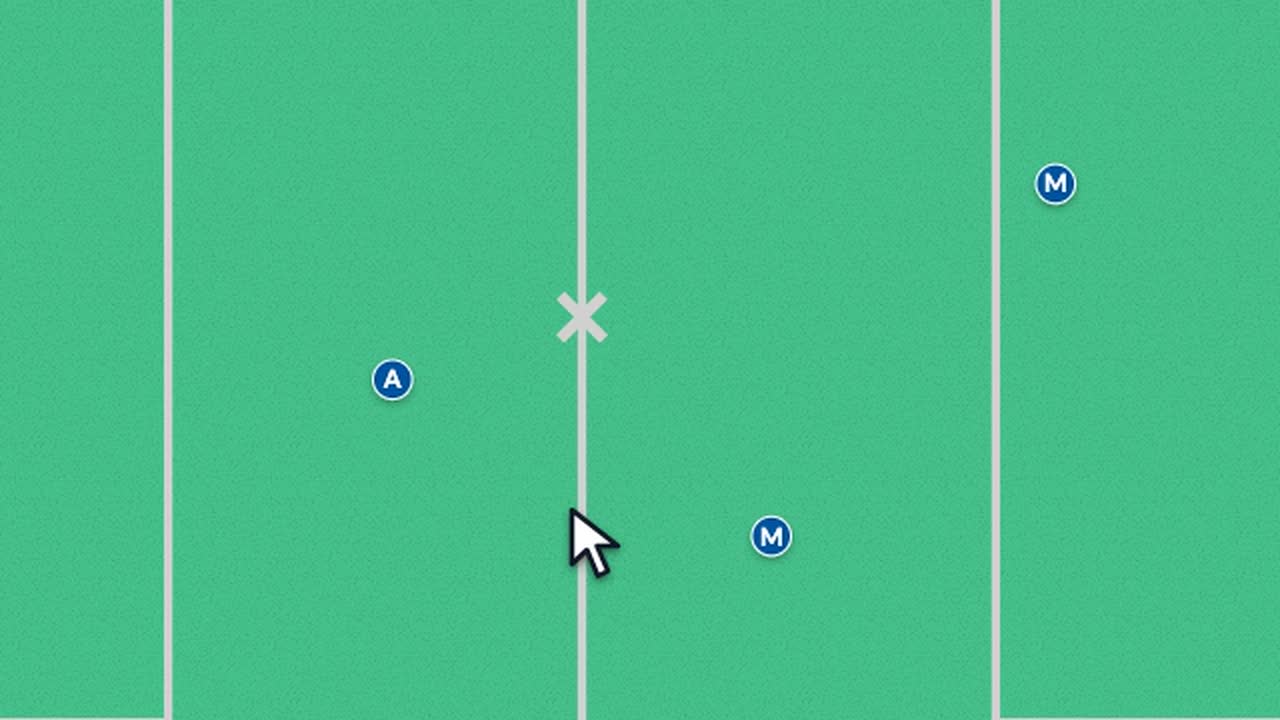
Give the player the ball, add a pass to one teammate, move it to another, and preview the pass.
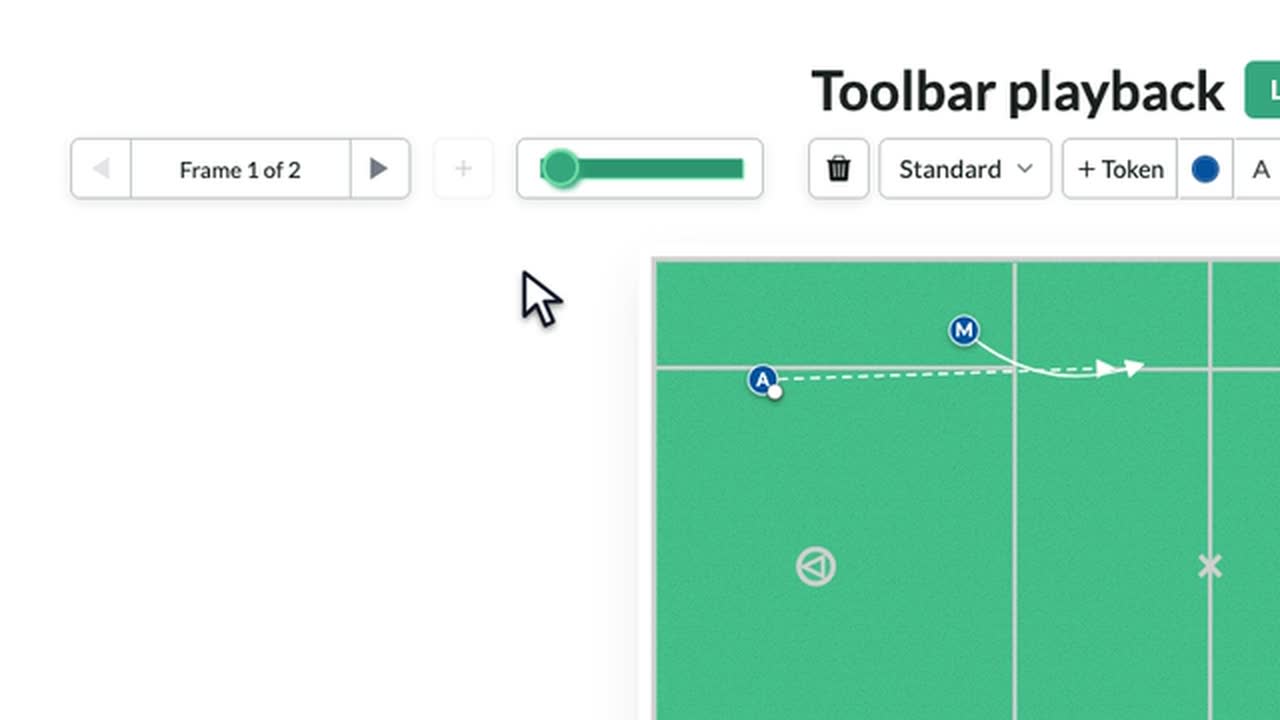
Press play to watch the ball holder's pass reach a moving receiver.
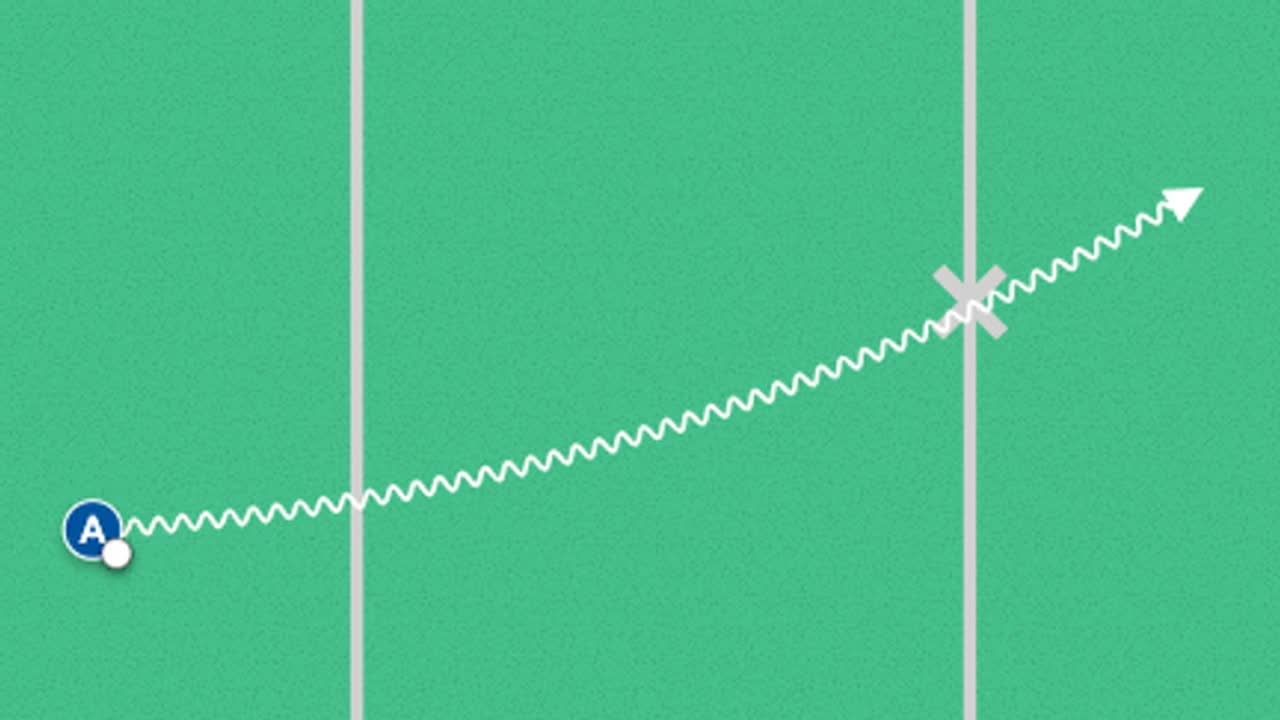
Animate a dodge arrow to show the player's side-to-side movement.
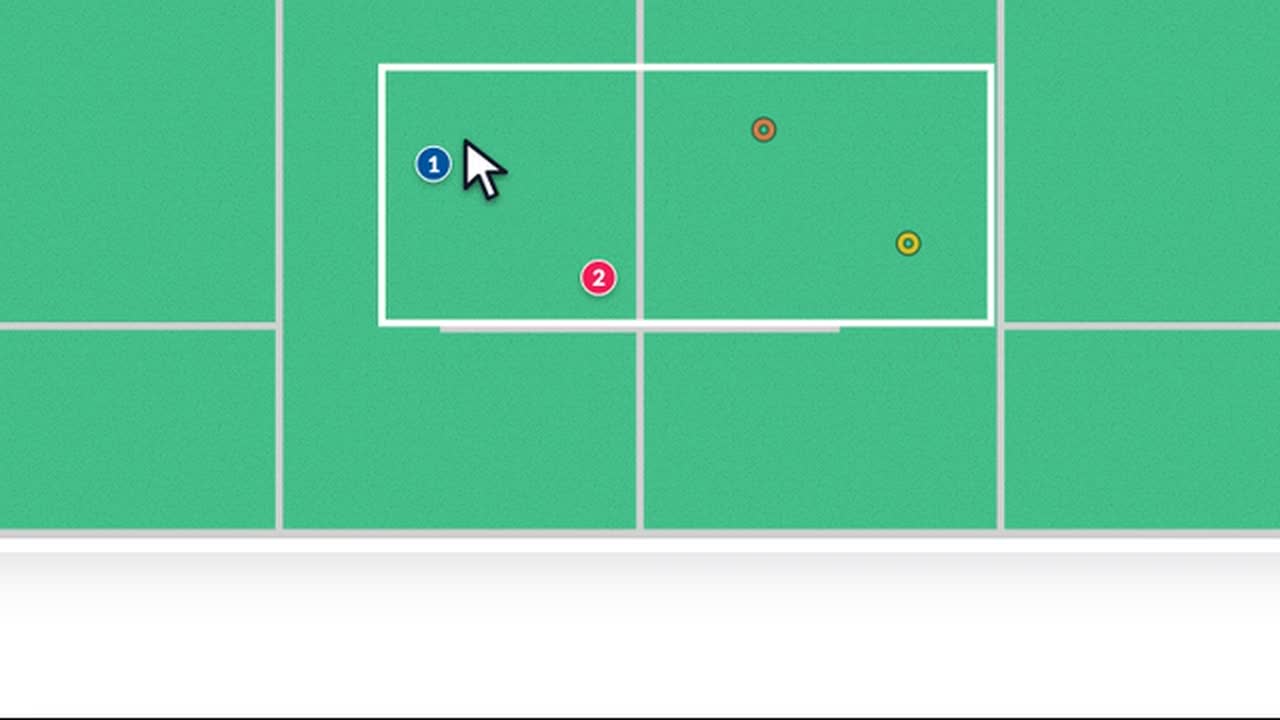
Duplicate a mixed selection containing players, cones, and an annotation, then move only the copied group away from the source.
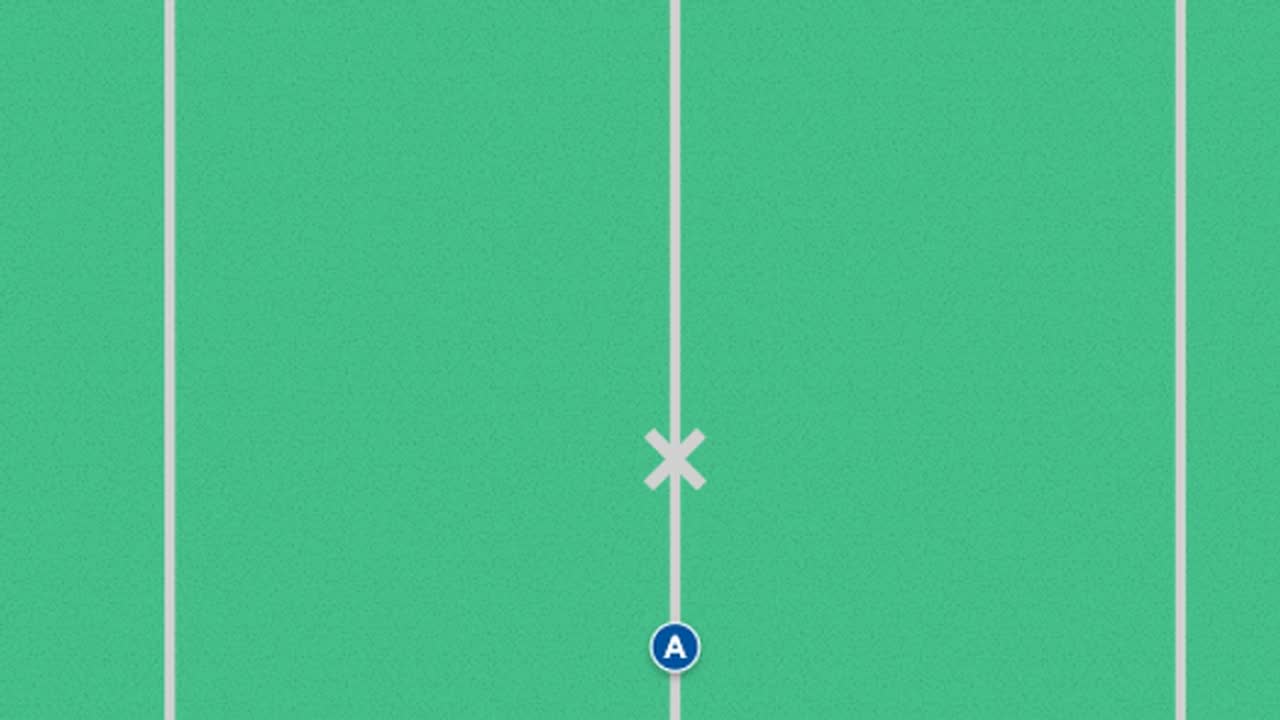
Open the player settings, pick a different player type, and see the player change.
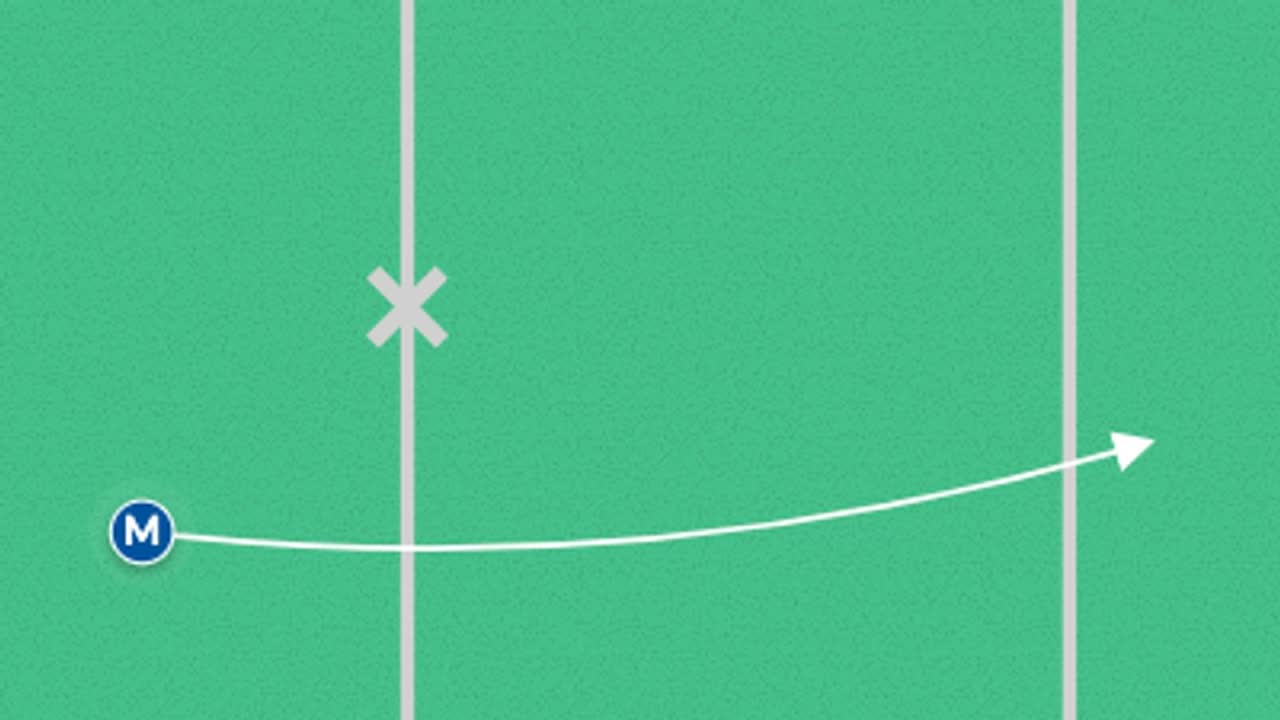
Move a player on the field and show the attached route following its owner.
Start alone. Add teams, assistant coaches and players when you need them.
Varsity, JV, club or summer: run every team you coach from one account.
Invite assistants and pick what each one can do. $5 a coach a month.
Players open team playbooks, practice plans and scouting reports on any phone, tablet or computer. They can view, never edit.
$0.10 per player / month
Or send a share link. No player account needed.
Start free. Paid plans are $50 a year per coach, or $5 month to month.
Prepay 3, 6 or 12 months and save 16%.
Optional: bring your staff and players
Most coaches start with just the Coach Plan. Add these any time.
| Included | Free | Coach Plan |
|---|---|---|
| Plays and drills | 2 plays, 2 drills | Unlimited |
| Playbooks, practice plans, scouting reports | 1 of each | Unlimited |
| Scout diagrams (diagrams of opponent plays) | 2 | Unlimited |
| Play and drill share links | 1 | Unlimited |
| PDF export | Yes | Yes |
| Video export | No | Yes |
| Assistant coaches with roles | No | $50 each a year |
| Players in the app | No | $1 each a year |