Computer
The big screen for building. Design plays and drills, put together playbooks and practice plans, and set up your team.
One DiagramTheGame account on every screen. Build a play at your desk, walk your team through it on a tablet at practice, and pull it up on your phone anywhere.
Scan with your phone's camera


On a computer? Start free in your browser
The big screen for building. Design plays and drills, put together playbooks and practice plans, and set up your team.
Draw with your finger or Apple Pencil, then hand it around at practice and play the animation so everyone sees the play.
Your plays in your pocket. Look one up on the bus, make a quick change, and send the link to your team.
Everything saves to your account, so a play started on your computer is waiting on your tablet.
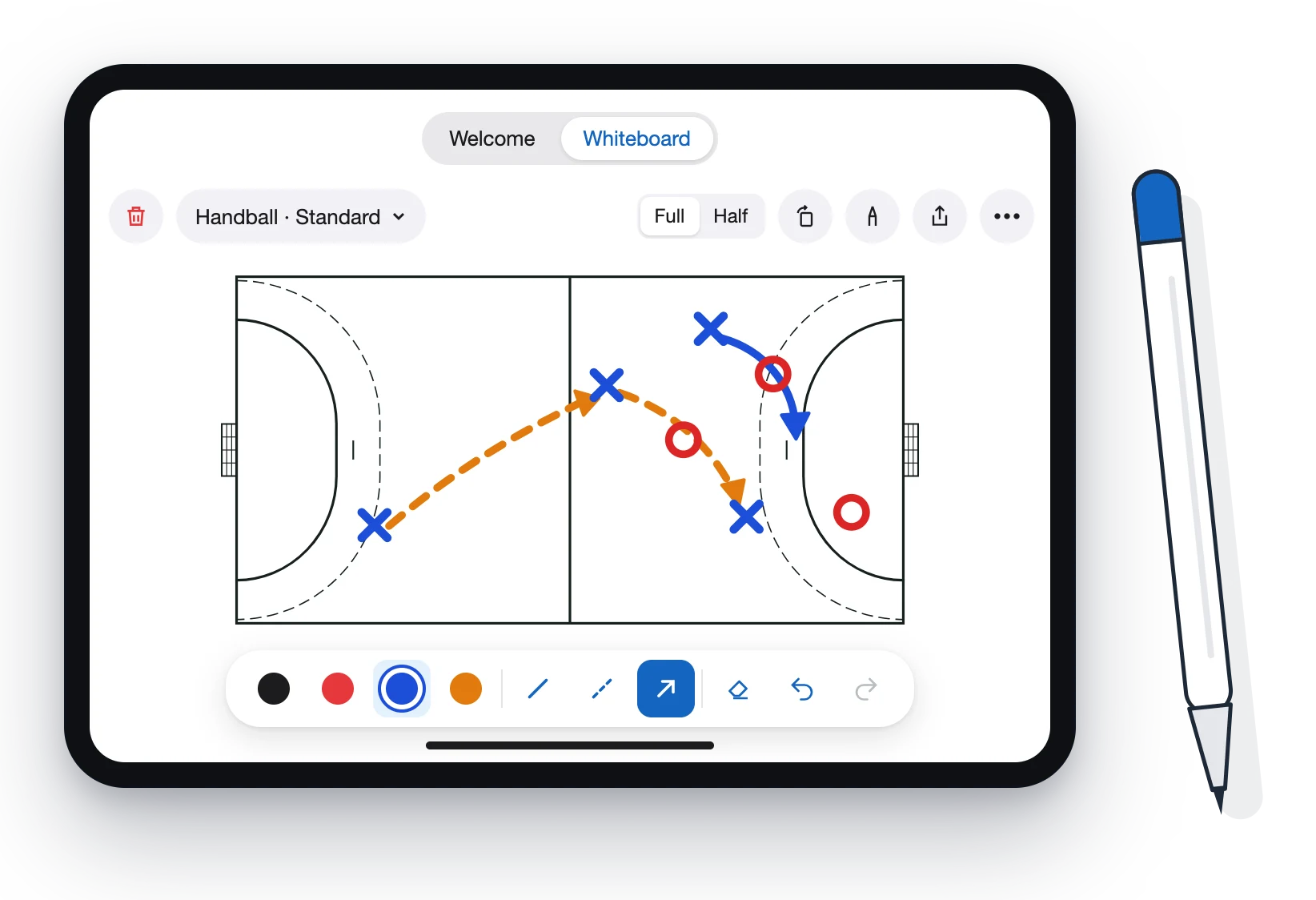
The app also has a whiteboard. Tap Open Whiteboard on the welcome screen, pick a field for your sport and draw with your finger or a pen. No account, no internet, nothing to pay. Boards stay on your device.
Players view the plays, playbooks and practice plans you share with their team, on any screen. They cannot edit. The player app is $0.10 a player a month, and players never pay.
How player access works Team and account management Compare plans
The app is free to download and works with a free account. Paid plans unlock more plays, documents and team features. The whiteboard is completely free and needs no account.
No. Sign in with the same email and password you use on the website and all of your plays, playbooks and practice plans are there. You can also create a coach account in the app.
Google sign-in is not available in the apps. Use Forgot password on the website to set a password for your account, then sign in with it.
Subscriptions and billing are managed on the website. Sign in at diagramthegame.com with the same account to upgrade, change or cancel.
The app is the full DiagramTheGame: animated plays, drills, playbooks, practice plans and sharing, saved to your account. The whiteboard is a quick drawing board for the sideline. It works offline, and boards stay on your device.
Yes. Players sign in with the account their coach's invitation created and can view the plays, playbooks and practice plans shared with their team. Players cannot edit.
iPhone and iPad running iOS 18 or later, and Android phones and tablets running Android 9 or later. Everything also works in a web browser.