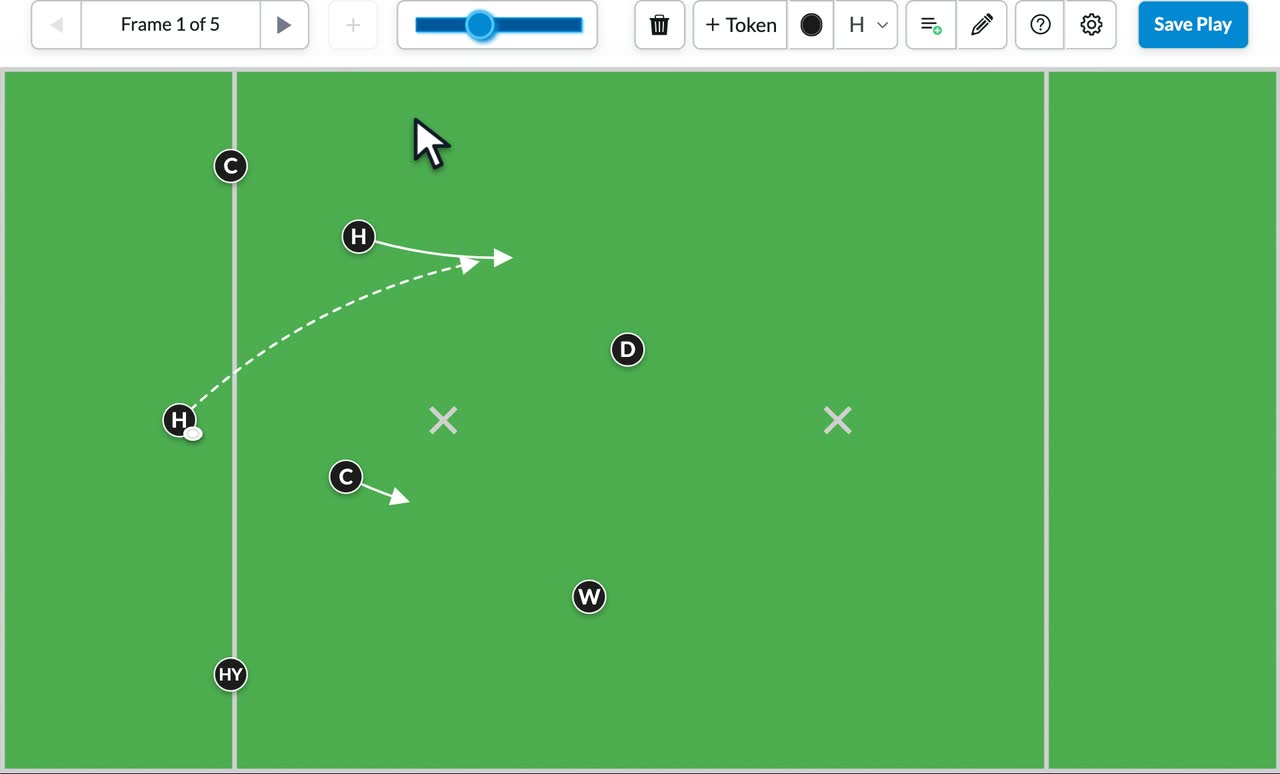
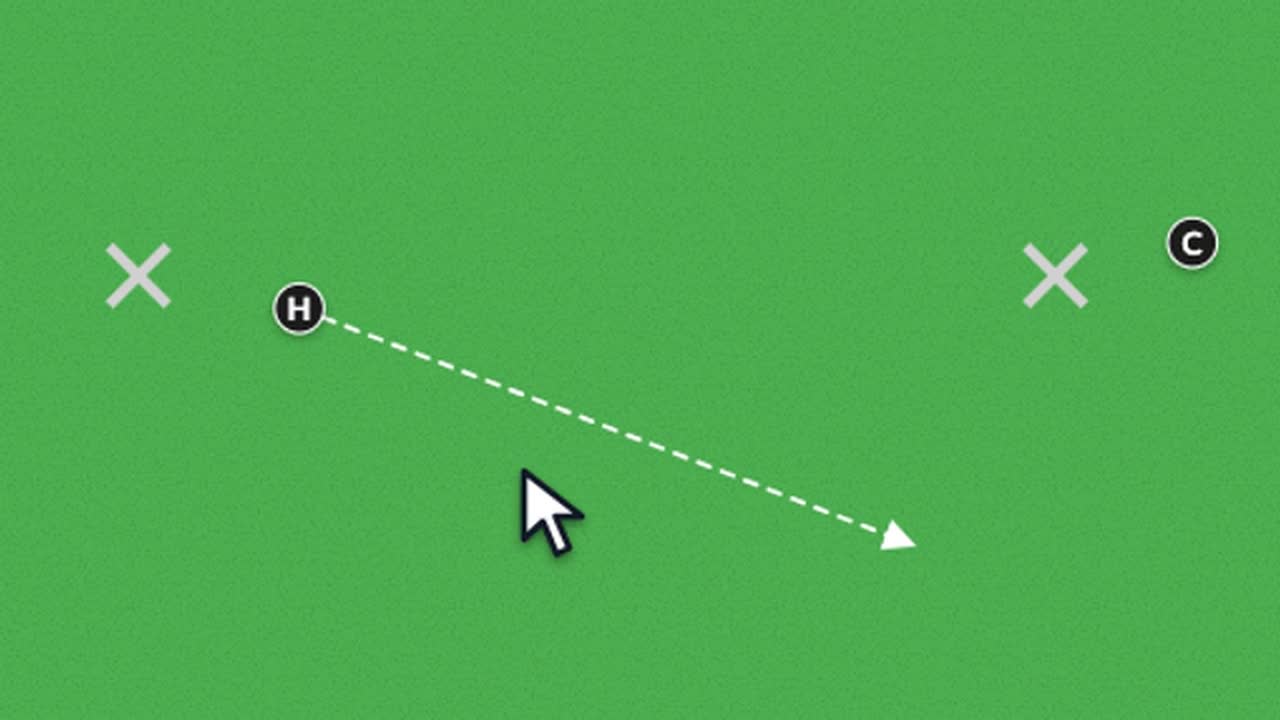
Curve Ultimate throw
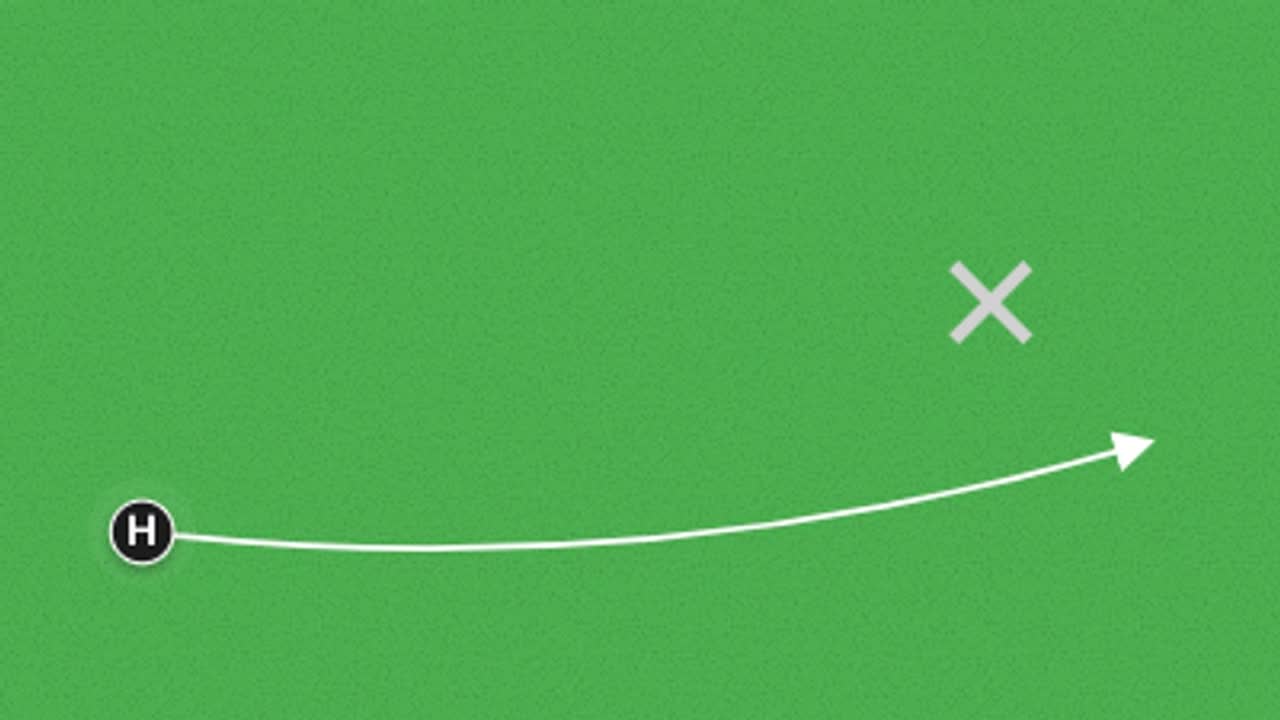
Snap an Ultimate throw to its receiver, bend the connected throw, then preview the disc following the curved path.
Draw drill diagrams online for multiple sports. Place players, add cones, show movement, and turn drills into organized practice plans.
Free to start. Coach plans from $5 a month. Players in the app cost extra. Compare plans and free limits
Create drill diagrams with players, cones, balls, movement arrows, passing lanes, and coaching notes. Use the same workflow across every supported sport.
Draw drills on lacrosse fields, basketball courts, hockey rinks, field hockey pitches, ultimate fields, volleyball courts, handball courts, floorball courts, and water polo pools.
Show the beginning, middle, and end of a drill with frame-by-frame diagrams your players can review before practice.
Add drill drawings to timed practice plans and export plans as PDFs for your coaching staff.
Open any play or drill to animate it, add notes, download frames, or share it with your players.
Players open a share link in any browser, no account or app download needed. Free accounts get 1 play or drill share link; paid plans share as many plays, drills, and documents as you like, subject to your team's sharing settings. You can revoke a link or protect it with a password.
The player app is a separate option: players sign in to see your team's content. Explore the player app
Preview focused interactions from the Ultimate editor.
Explore other Ultimate interactions
Snap an Ultimate throw to its receiver, bend the connected throw, then preview the disc following the curved path.
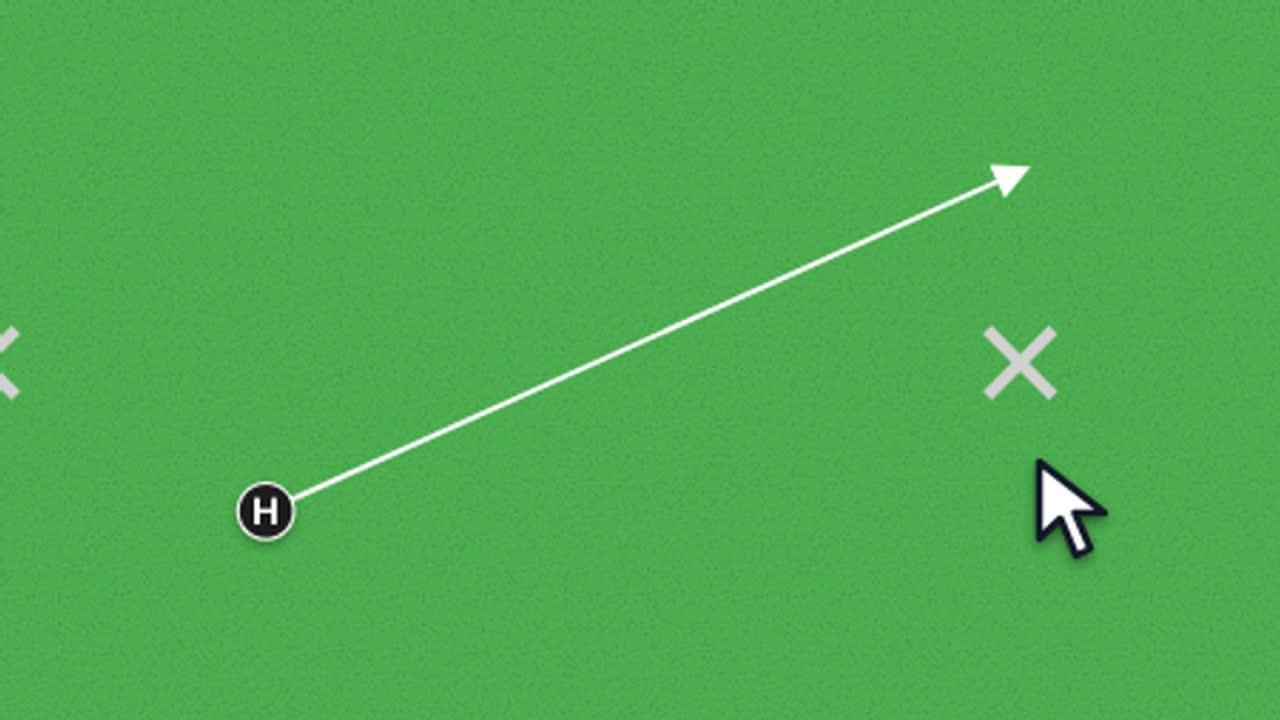
Curve an arrow by dragging its path, then add more bends to shape it.
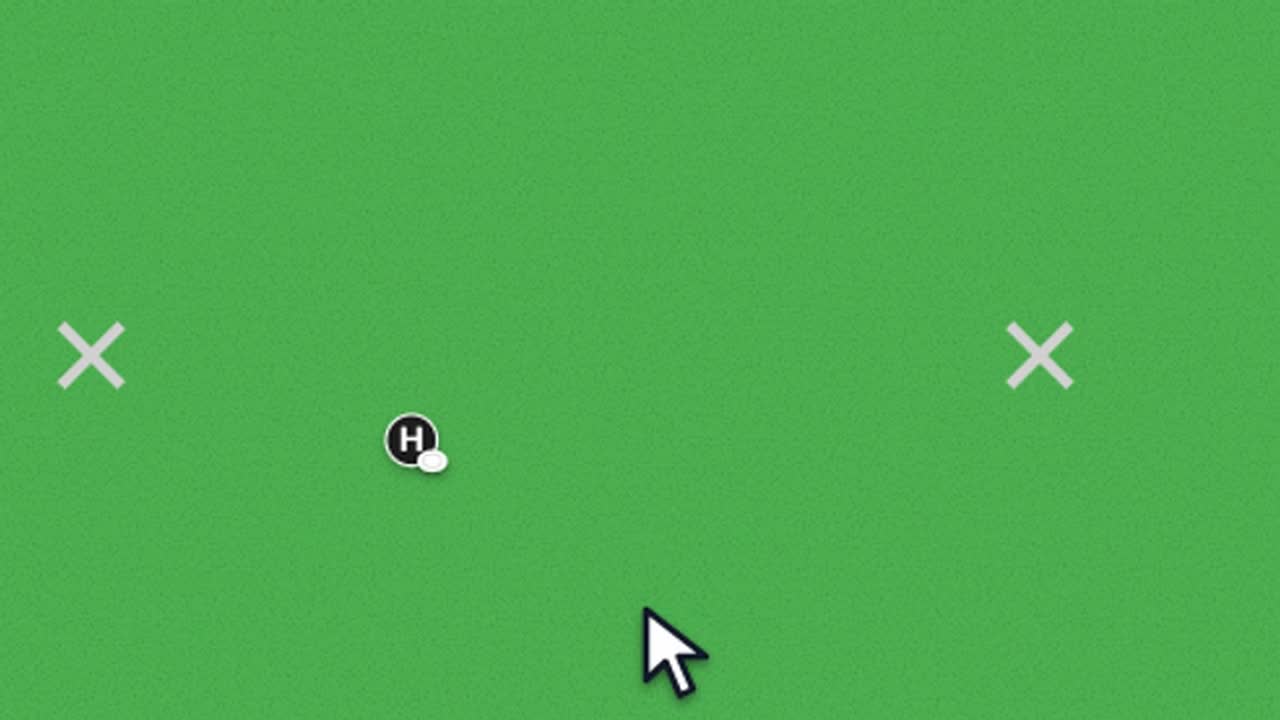
Add and place an arrow, then use Change arrow to compare supported movement types (Cut and Juke), choose one, and preview the result.
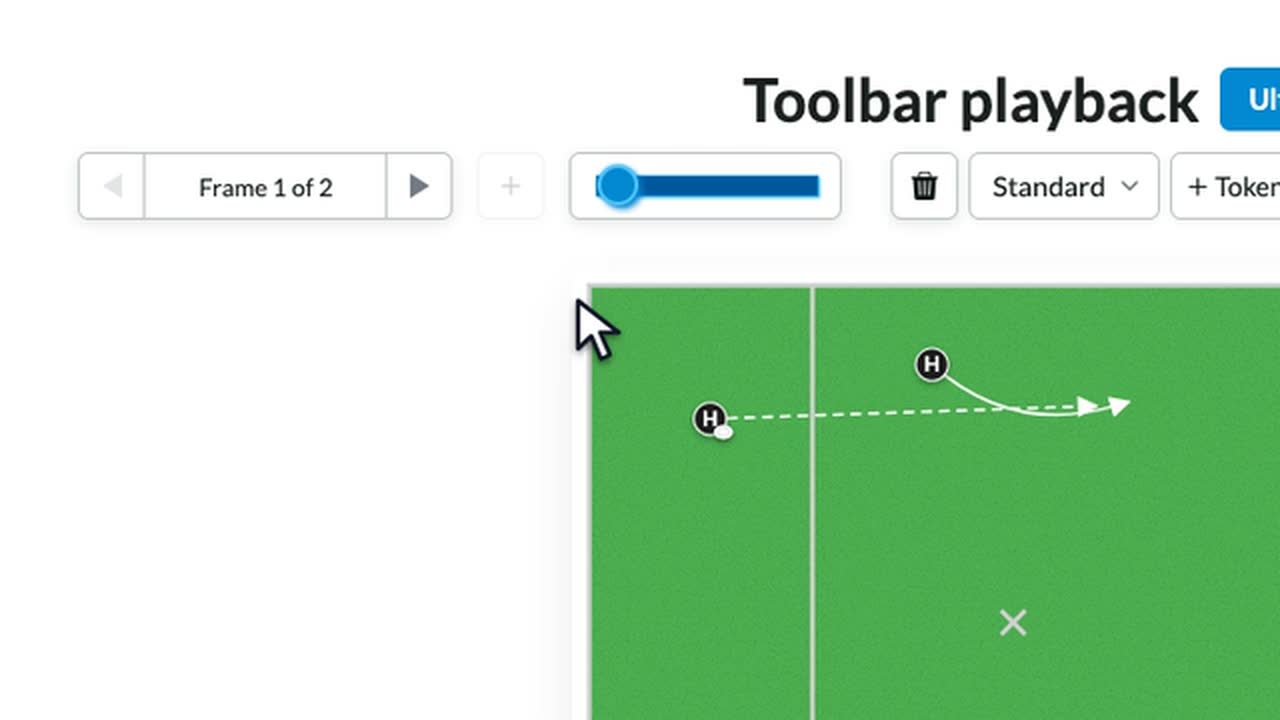
Press play to watch the disc holder's throw reach a moving receiver.
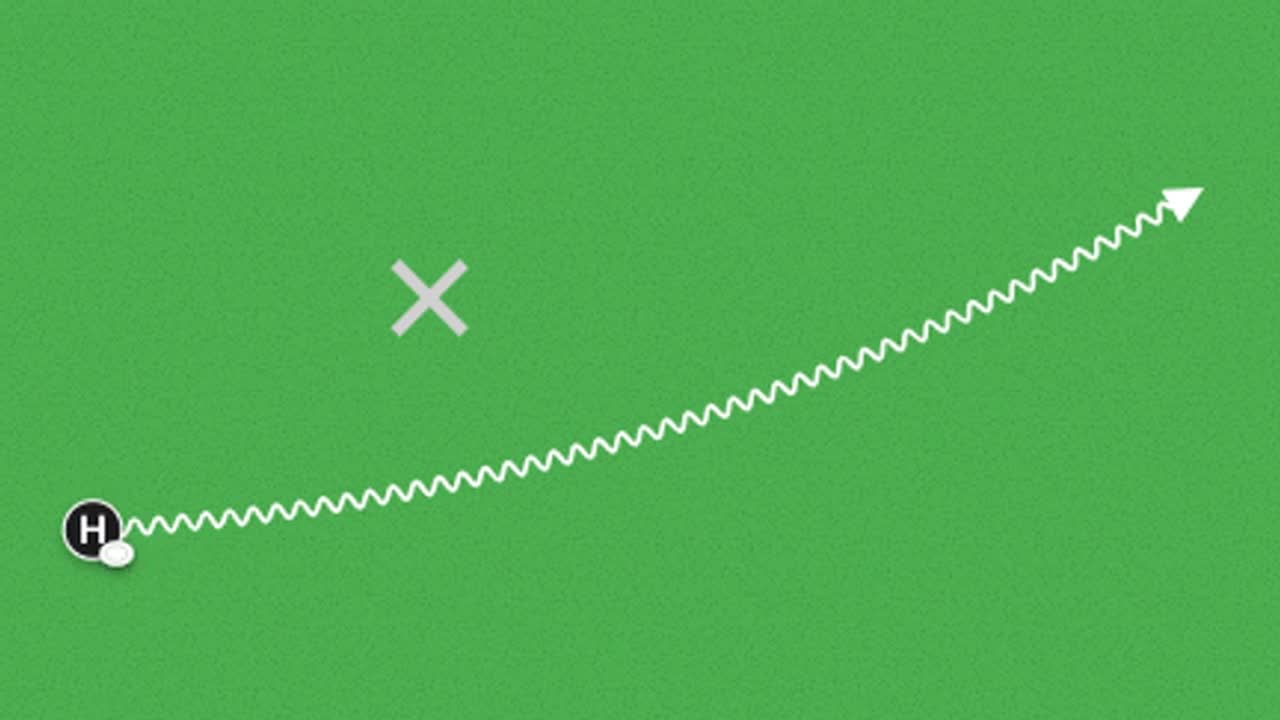
Animate a juke arrow to show the player's side-to-side movement.
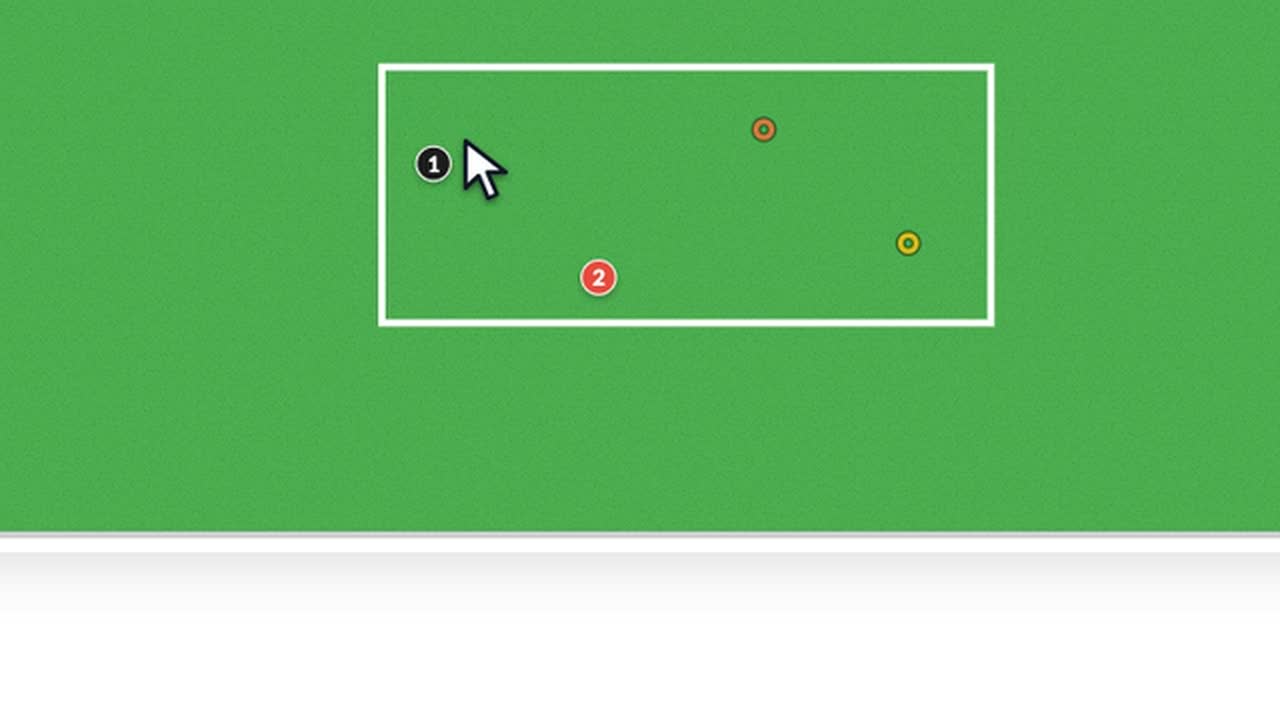
Duplicate a mixed selection containing players, cones, and an annotation, then move only the copied group away from the source.
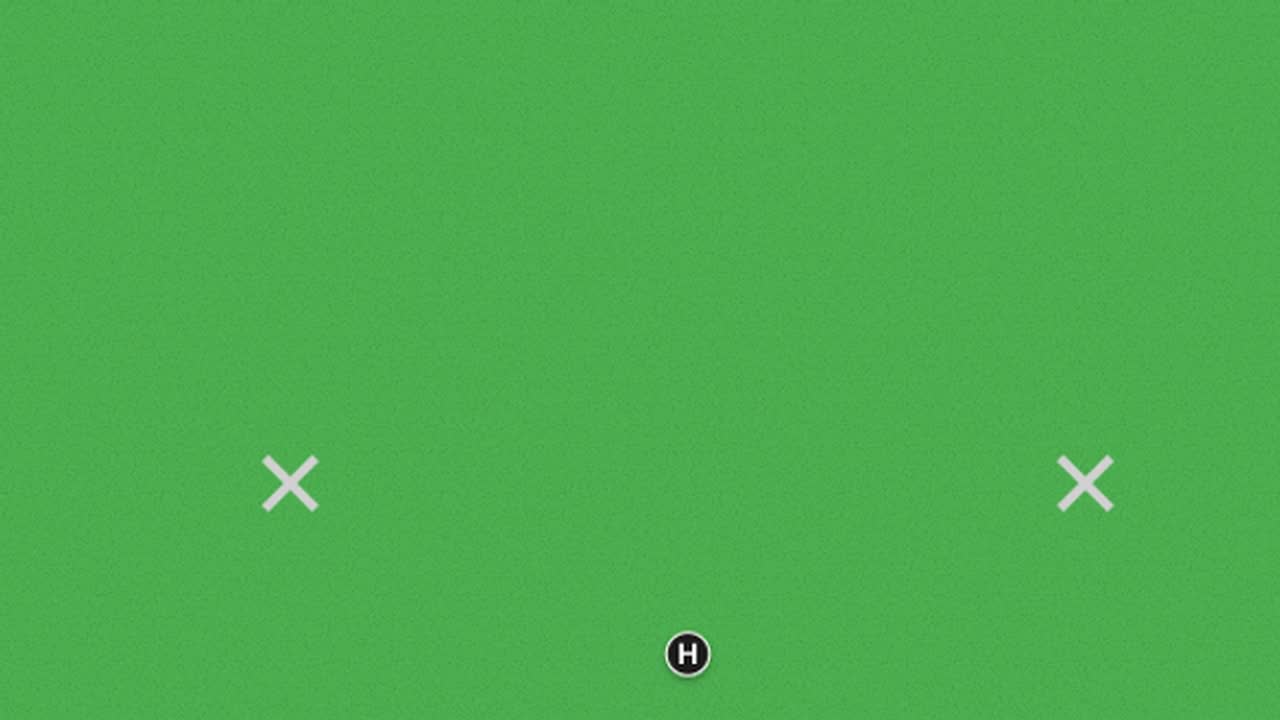
Open the player settings, pick a different player type, and see the player change.
Move a player on the field and show the attached route following its owner.
Drill drawing is the process of turning a practice activity into a visual diagram with players, cones, movement arrows, passes, shots, and coaching notes.
Yes. DiagramTheGame supports drill drawing for lacrosse, basketball, hockey, floorball, field hockey, ultimate, volleyball, handball, and water polo.
Yes. Save drill diagrams in your library, then add them to timed practice plans with sections, durations, dates, and notes.
Yes. In the player app, players can view drills and practice plans on any device before or during practice.